MOSCOW FORENSICS DAY '25MFD '25

Slides / 16 of 19

Talk slides

The role of the user interface in digital investigations: how UI convenience and intuitiveness speed up data analysis and search

Nikita Pavlov · Zero eDiscovery
Day 2 — Friday, 12 September 2025: information security day · Scheduled 15:35–16:05 · In the recording 07:28:23–07:51:30

An English deck and the text under the slides

These slides are an English version of the Russian deck shown in the recording: the text the authors set in the presentation has been translated and redrawn in place, while everything captured from a screen — program windows, logs, evidence — is left exactly as it was, in Russian. The fonts are the closest available ones, not the originals. The Russian deck is on the RU version of this page. Under each slide its text is set out for word search and machine reading.
  1. Slide 1 — The role of the user interface in digital investigations: how UI convenience and intuitiveness speed up data analysis and search
    Page 107:29:52

    Slide text

    MOSCOW

    FORENSICS

    DAY '25

    NIKITA PAVLOV

    “THE ROLE OF THE USER INTERFACE IN DIGITAL INVESTIGATIONS: HOW UI CONVENIENCE AND INTUITIVENESS SPEED UP DATA ANALYSIS AND SEARCH?”

    FORENSIC DATA ANALYSIS LABORATORY LLC

    • VL

    MFD MED

  2. Slide 2 — The role of the user interface in digital investigations: how UI convenience and intuitiveness speed up data analysis and search
    Page 207:31:32

    Slide text

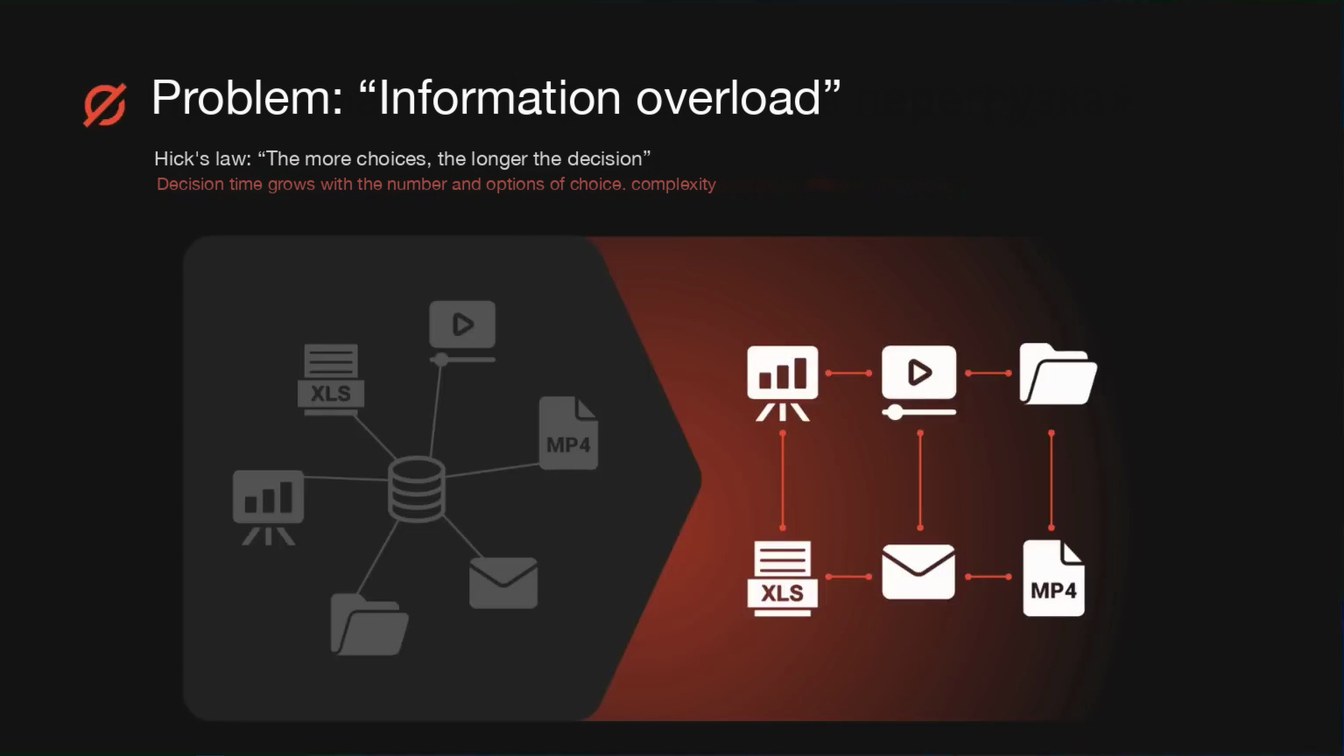
    Problem: “Information overload”

    Hick's law: “The more choices, the longer the decision”

    Decision time grows with the number and options of choice. complexity

    MP4

    XL

    MP4

  3. Slide 3 — The role of the user interface in digital investigations: how UI convenience and intuitiveness speed up data analysis and search
    Page 307:33:49

    Slide text

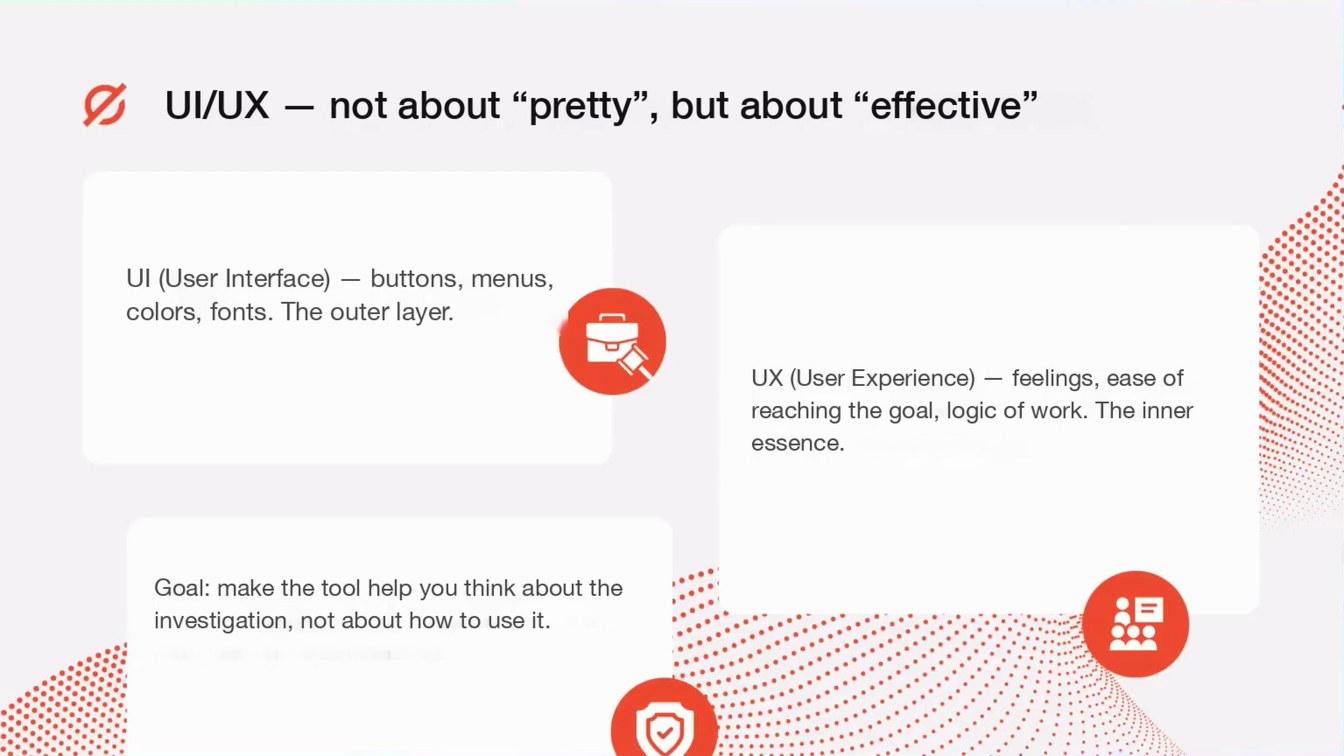
    UI/UX — not about “pretty”, but about “effective”

    UI (User Interface) — buttons, menus, colors, fonts. The outer layer.

    UX (User Experience) — feelings, ease of reaching the goal, logic of work. The inner essence.

    Goal: make the tool help you think about the investigation, not about how to use it.

  4. Slide 4 — The role of the user interface in digital investigations: how UI convenience and intuitiveness speed up data analysis and search
    Page 407:35:45

    Slide text

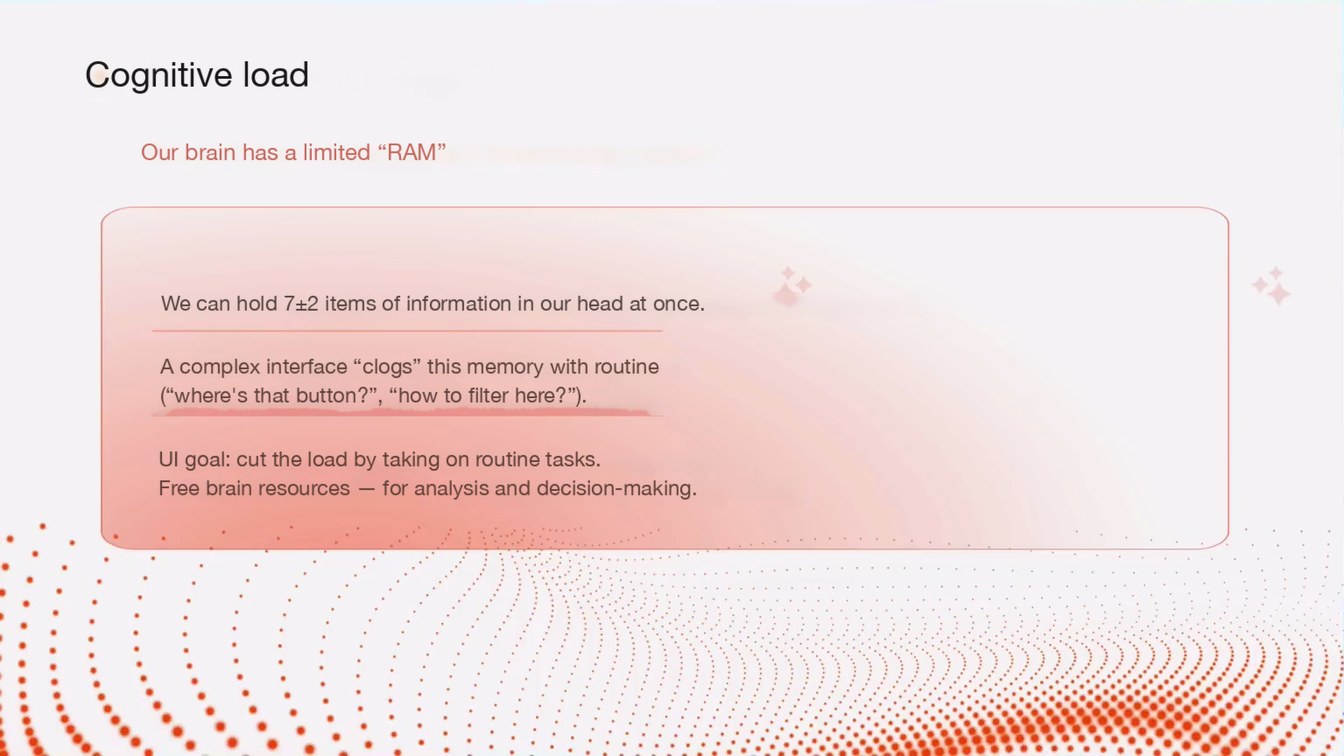
    Cognitive load

    Our brain has a limited “RAM”

    We can hold 7±2 items of information in our head at once.

    A complex interface “clogs” this memory with routine (“where's that button?”, “how to filter here?”).

    UI goal: cut the load by taking on routine tasks. Free brain resources — for analysis and decision-making.

  5. Slide 5 — The role of the user interface in digital investigations: how UI convenience and intuitiveness speed up data analysis and search
    Page 507:38:44

    Slide text

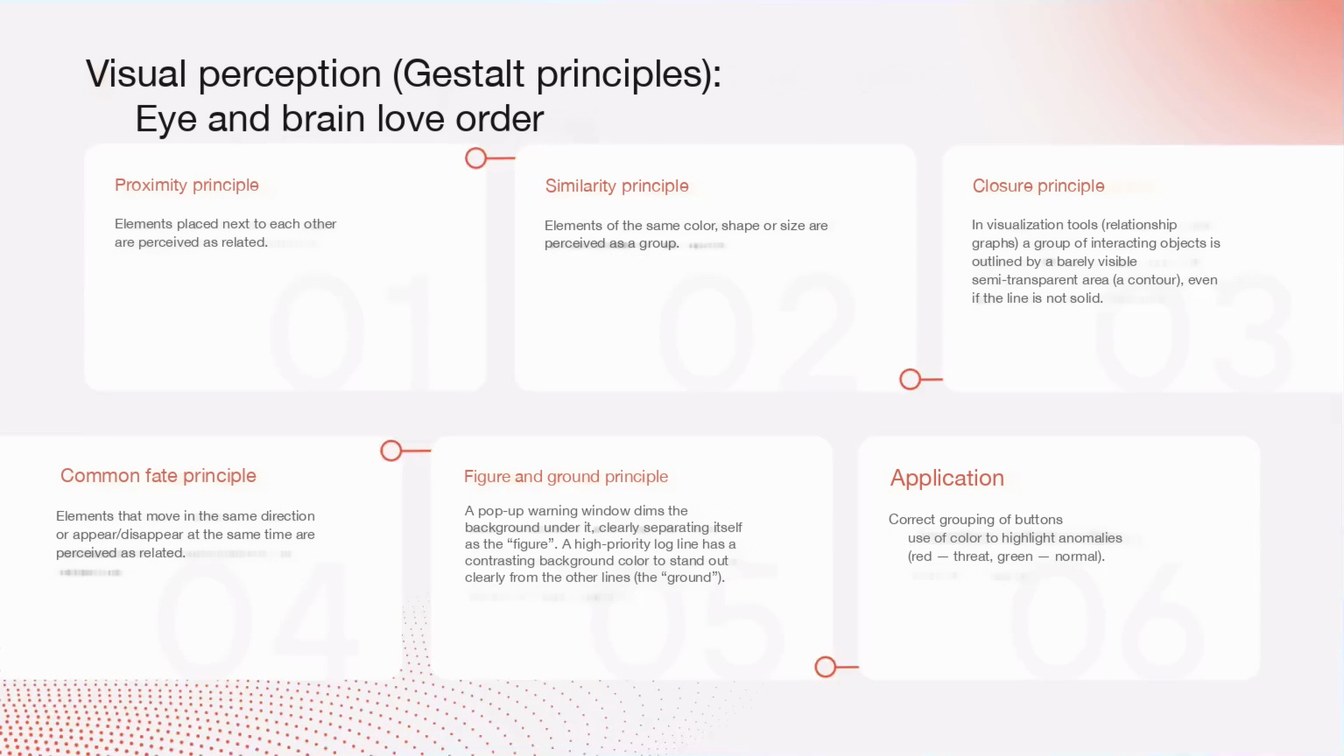
    Visual perception (Gestalt principles):

    Eye and brain love order

    Proximity principle

    Similarity principle

    Closure principle

    Elements placed next to each other are perceived as related.

    Elements of the same color, shape or size are perceived as a group.

    In visualization tools (relationship graphs) a group of interacting objects is outlined by a barely visible semi-transparent area (a contour), even if the line is not solid.

    Common fate principle

    Elements that move in the same direction or appear/disappear at the same time are perceived as related.

    Figure and ground principle

    A pop-up warning window dims the background under it, clearly separating itself as the “figure”. A high-priority log line has a contrasting background color to stand out clearly from the other lines (the “ground”).

    Application

    Correct grouping of buttons

    use of color to highlight anomalies (red — threat, green — normal).

  6. Slide 6 — The role of the user interface in digital investigations: how UI convenience and intuitiveness speed up data analysis and search
    Page 607:42:01

    Slide text

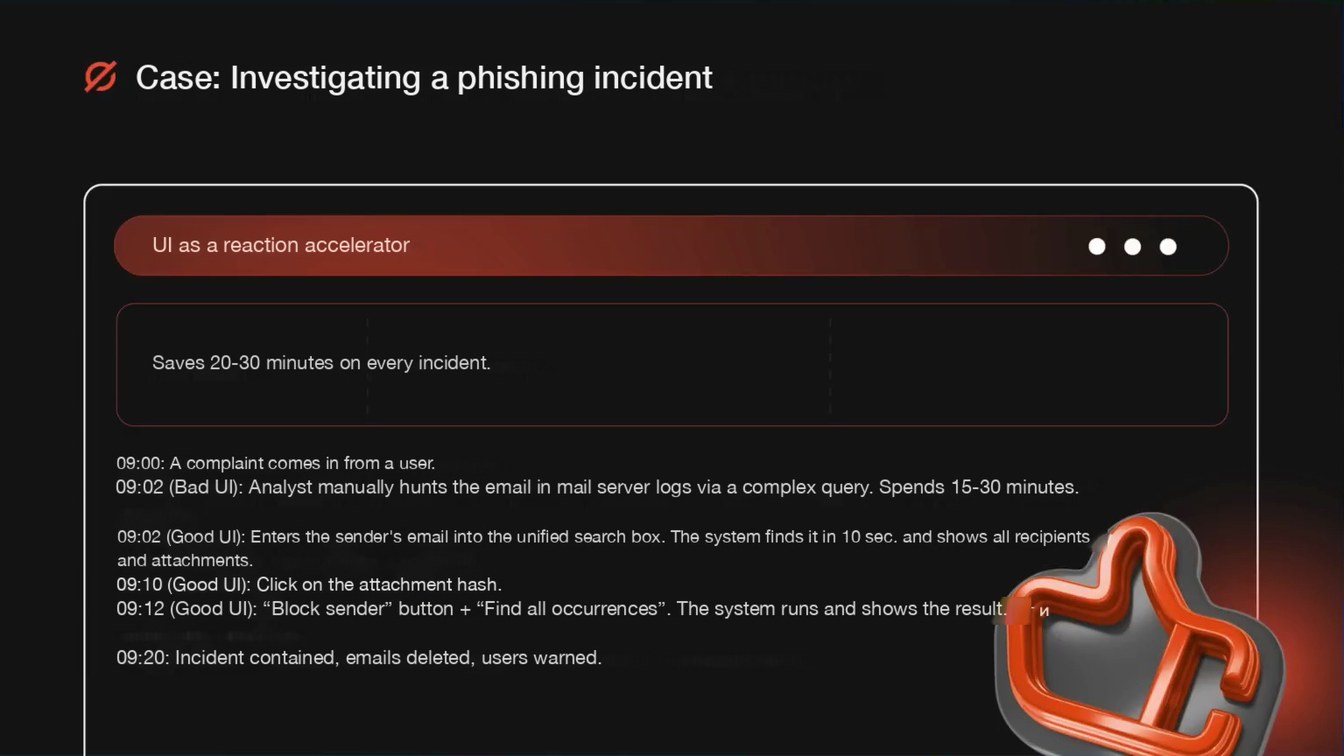
    Case: Investigating a phishing incident

    UI as a reaction accelerator

    Saves 20-30 minutes on every incident.

    09:00: A complaint comes in from a user.

    09:02 (Bad UI): Analyst manually hunts the email in mail server logs via a complex query. Spends 15-30 minutes. 09:02 (Good UI): Enters the sender's email into the unified search box. The system finds it in 10 sec. and shows all recipients and attachments.

    09:10 (Good UI): Click on the attachment hash.

    09:12 (Good UI): “Block sender” button + “Find all occurrences”. The system runs and shows the result.

    09:20: Incident contained, emails deleted, users warned.

  7. Slide 7 — The role of the user interface in digital investigations: how UI convenience and intuitiveness speed up data analysis and search
    Page 707:44:38

    Slide text

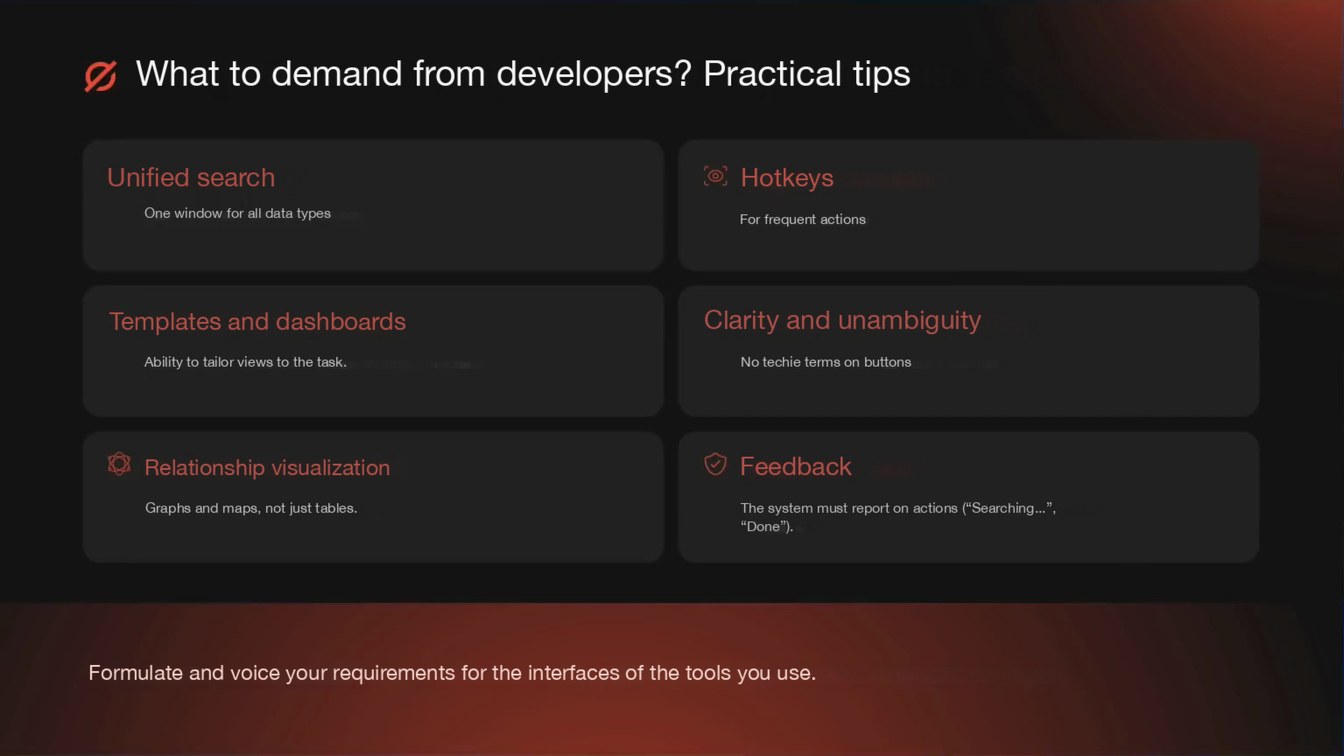
    What to demand from developers? Practical tips

    Unified search

    One window for all data types

    Hotkeys

    For frequent actions

    Templates and dashboards

    Clarity and unambiguity

    Ability to tailor views to the task.

    No techie terms on buttons

    Relationship visualization

    Feedback

    Graphs and maps, not just tables.

    The system must report on actions (“Searching...”, “Done”).

    Formulate and voice your requirements for the interfaces of the tools you use.

  8. Slide 8 — The role of the user interface in digital investigations: how UI convenience and intuitiveness speed up data analysis and search
    Page 807:46:34

    Slide text

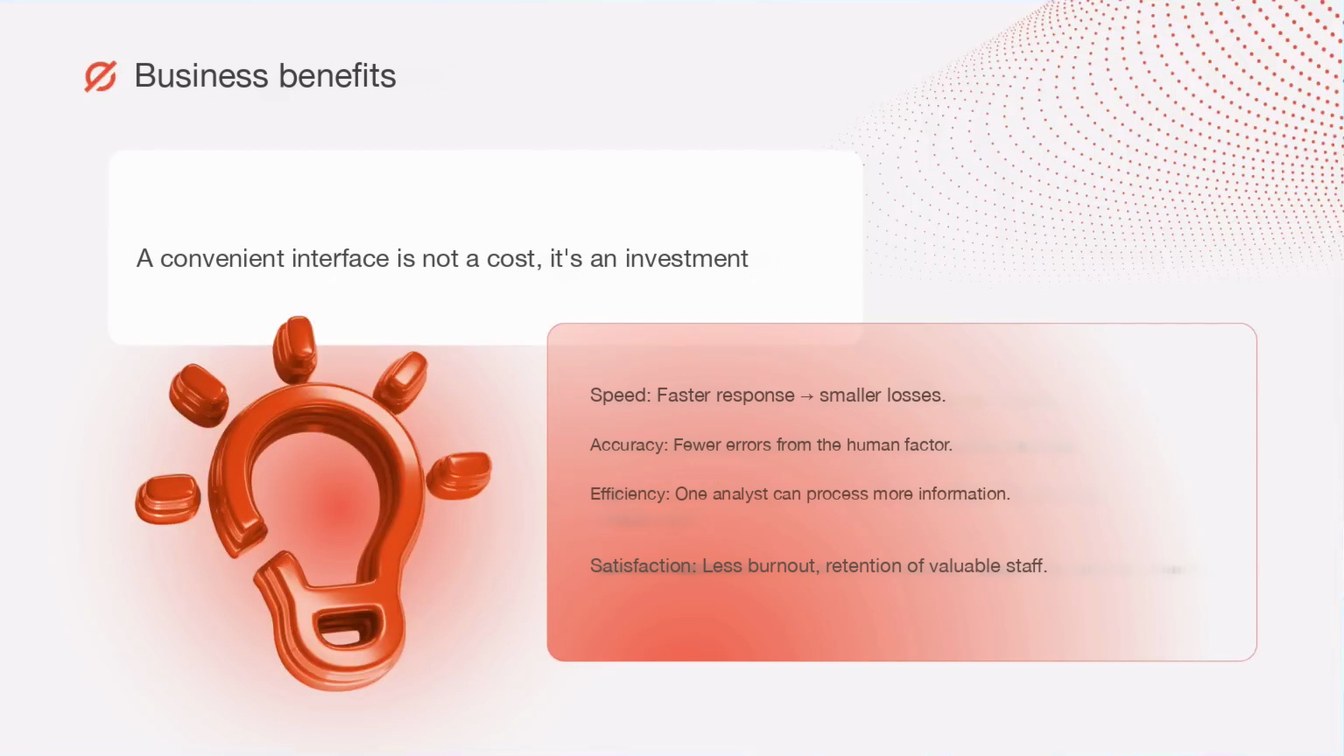
    Business benefits

    A convenient interface is not a cost, it's an investment

    Speed: Faster response → smaller losses.

    Accuracy: Fewer errors from the human factor.

    Efficiency: One analyst can process more information.

    Satisfaction: Less burnout, retention of valuable staff.

  9. Slide 9 — The role of the user interface in digital investigations: how UI convenience and intuitiveness speed up data analysis and search
    Page 907:47:12

    Slide text

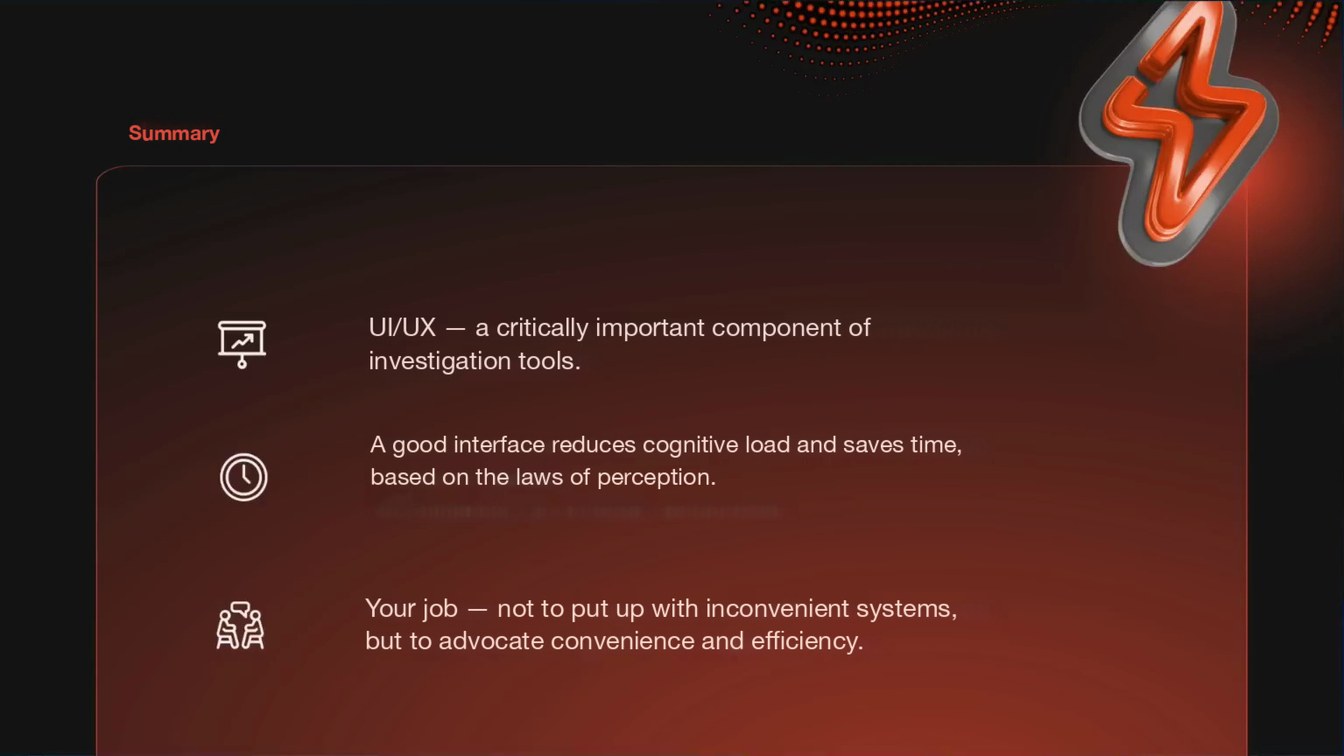
    Summary

    UI/UX — a critically important component of investigation tools.

    A good interface reduces cognitive load and saves time, based on the laws of perception.

    Your job — not to put up with inconvenient systems, but to advocate convenience and efficiency.

  10. Slide 10 — The role of the user interface in digital investigations: how UI convenience and intuitiveness speed up data analysis and search
    Page 1007:47:34

    Slide text

    Questions

    zero-ediscovery.ru

    @zero_ediscovery